How to Convert a PDF to JPG Free (2026 Guide)
Need a PDF page as an image — for a slide, a social post, or a site that won't accept PDF uploads? Here's the free way to turn every page into a JPG or PNG.
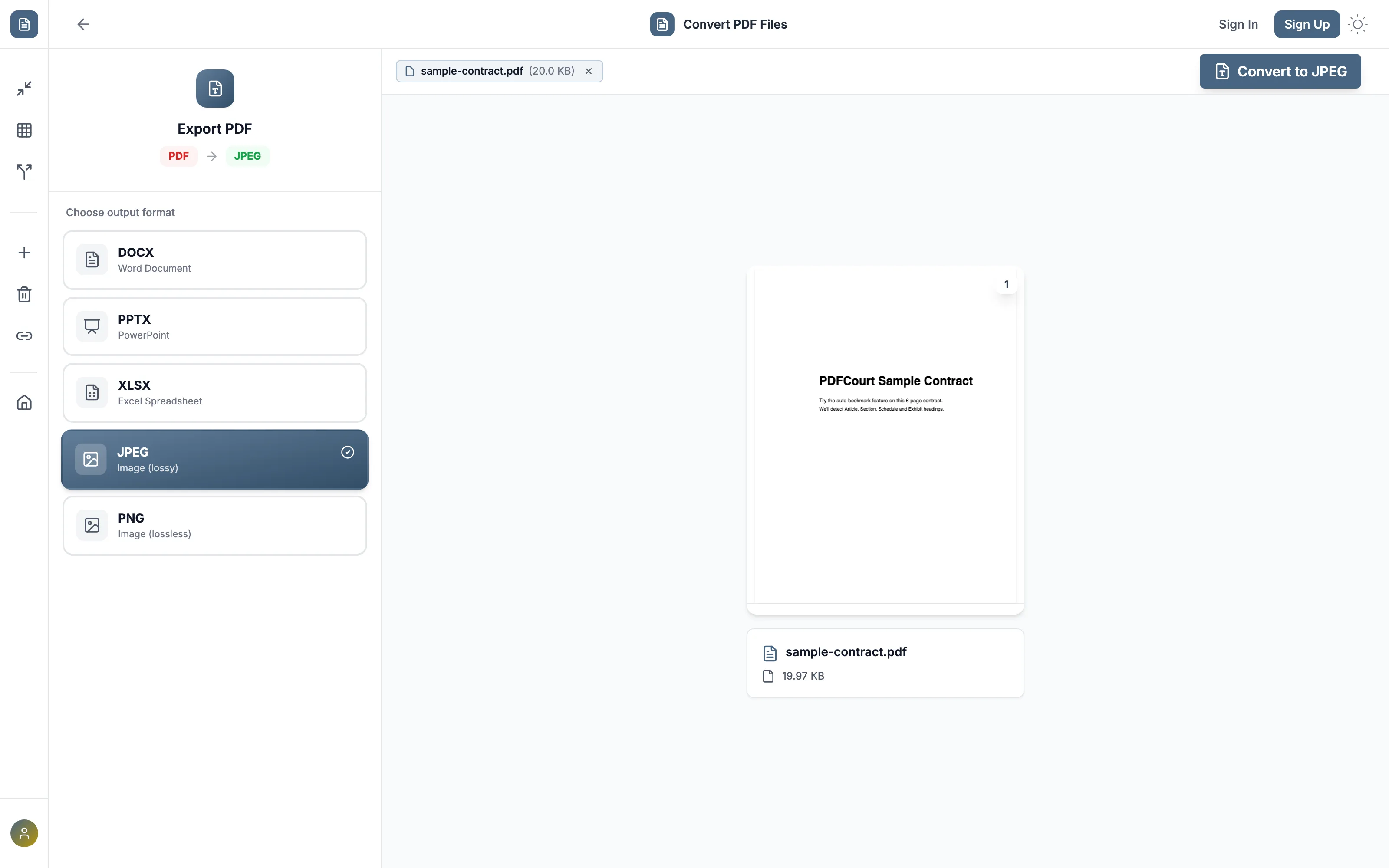
Method 1: PDFCourt (100% Free Online)
RECOMMENDED✓ Best for: pulling one or more pages out as standalone images
Why it's #1: free, no signup, no watermark, with both JPEG and PNG available depending on whether you need smaller files or lossless quality.
Step-by-Step Instructions:
Open PDFCourt and upload your PDF
Visit PDFCourt.com/convert and drop in your file. PDFCourt detects it's a PDF and shows the available output formats.
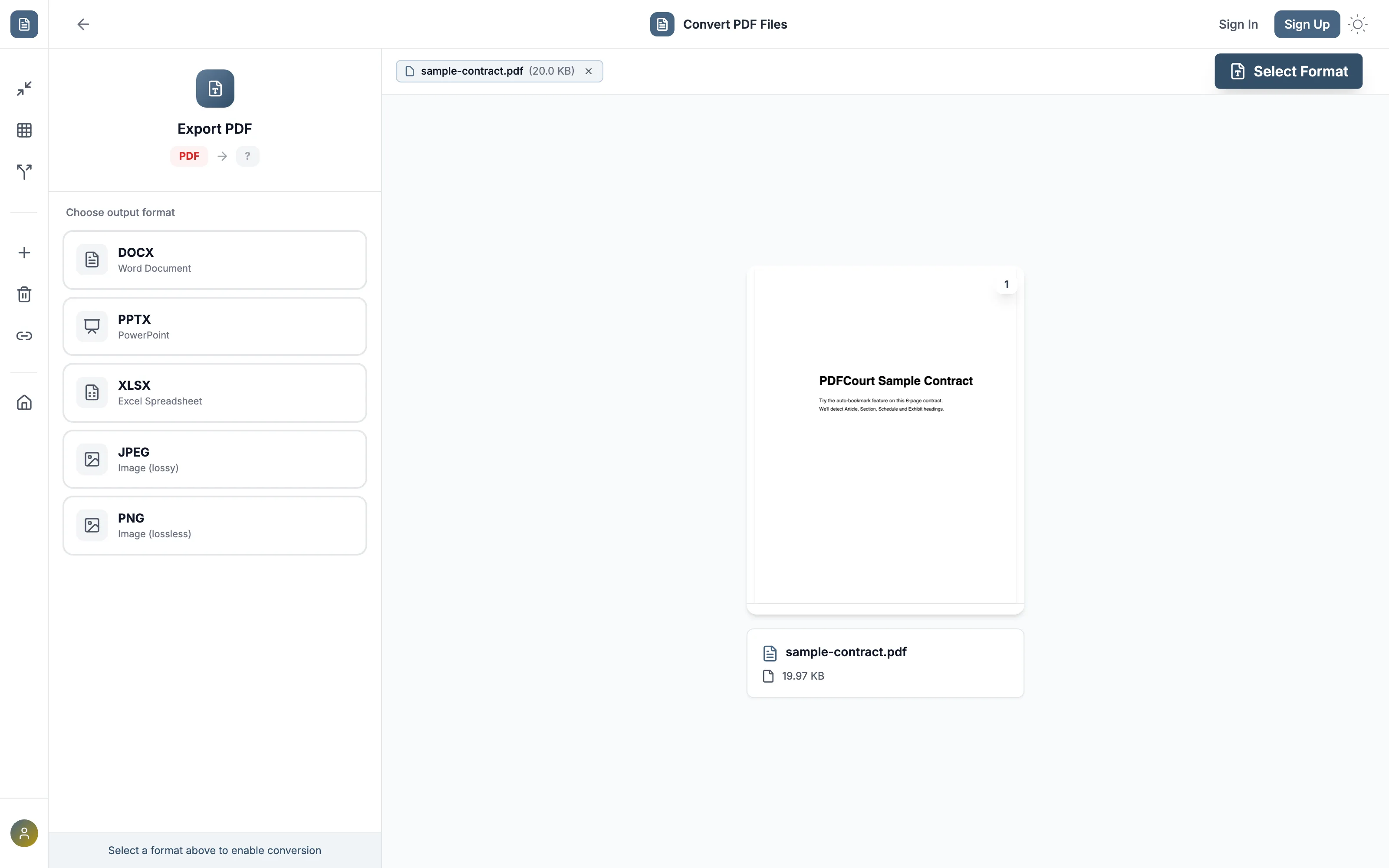
Choose JPEG (or PNG)
JPEG is labeled "Image (lossy)" — smaller file size, ideal for sharing or posting. PNG is "Image (lossless)" — larger but pixel-perfect, better for text-heavy pages you might zoom into.
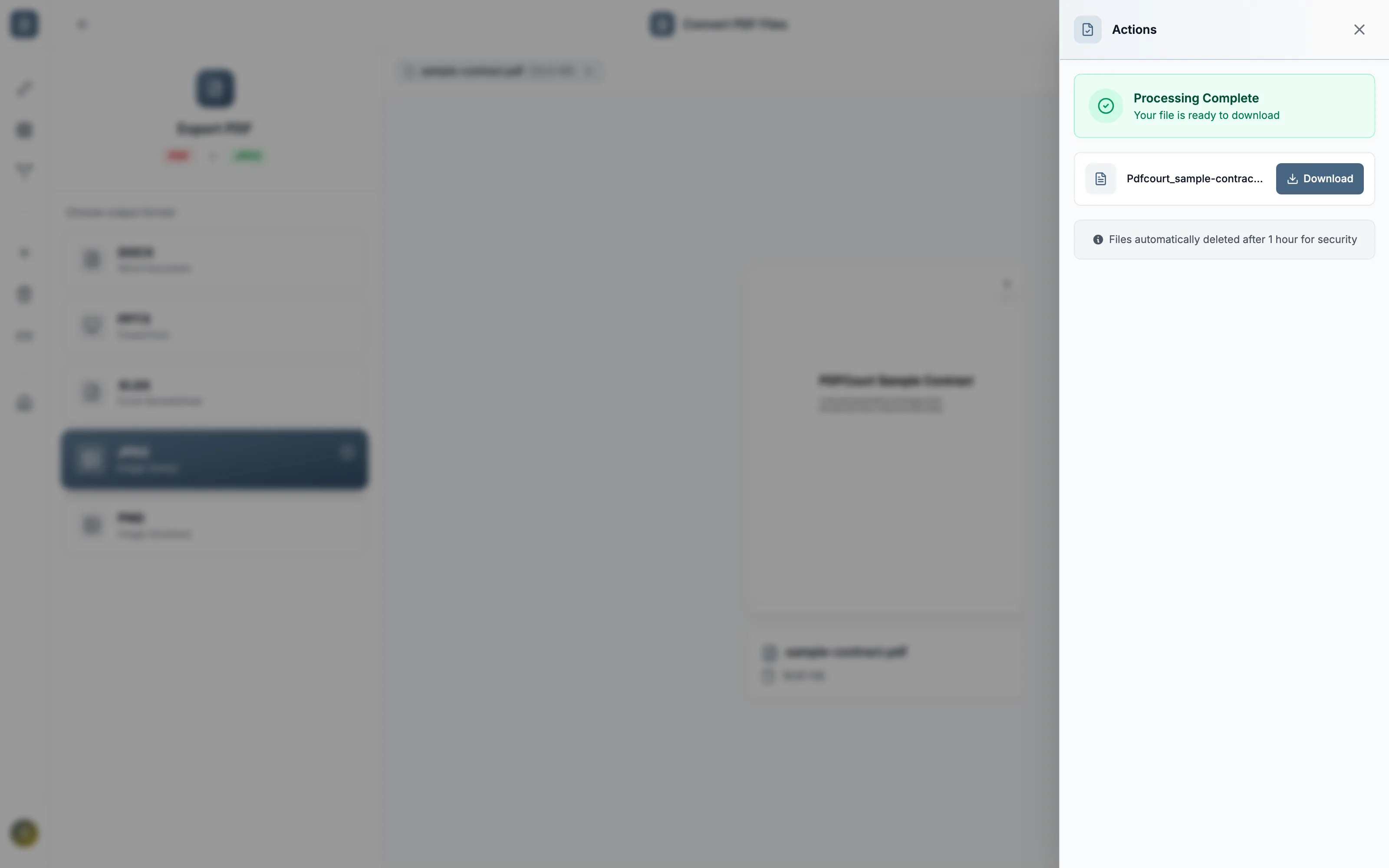
Click Convert to JPEG
Every page in the PDF is rendered as its own separate image.
Download your images
Multi-page PDFs download as a set of images, one per page.
Method 2: Adobe Acrobat DC (Paid Software)
Cost: $19.99/month or ~$240/year
Best for: organizations already paying for Acrobat's Export PDF tool.
Steps:
- Open Adobe Acrobat DC (not the free Reader)
- Go to Tools → Export PDF
- Choose Image → JPEG
- Export and save
Note: the free Acrobat Reader cannot export to image formats. You need the paid DC version.
JPG vs. PNG — which should you pick?
JPEG (lossy)
Smaller files, some compression artifacting. Good for photos, social posts, and anywhere file size matters more than pixel-perfect text.
PNG (lossless)
Larger files, no quality loss. Better for pages with small text or fine lines you might zoom into later.
Comparison: Which Method Should You Use?
| Method | Cost | JPEG + PNG | Watermark | Works On |
|---|---|---|---|---|
| PDFCourt | Free | Both | None | All devices |
| Adobe Acrobat | $20/mo | Both | None | Win/Mac |
🏆 Winner: PDFCourt
Same output quality as Acrobat, for free, with no software to install.
Frequently Asked Questions
Does converting to JPG lose quality?
JPEG uses lossy compression, so there's a small quality tradeoff for a smaller file. Choose PNG if you need pixel-perfect output.
Can I convert just one page instead of the whole PDF?
The conversion processes every page in the file — if you only need one page as an image, split or extract that page first, then convert it.
Is there a page limit?
No — PDFCourt converts PDFs of any length on the free tier, with no daily caps.
Do I need Adobe to convert a PDF to JPG?
No — PDFCourt converts directly in your browser, free, with no Adobe Acrobat or other software required.
Conclusion: Best Way to Convert PDF to JPG Free in 2026
JPEG or PNG
Pick based on file size vs. quality needs.
100% Free Forever
No hidden costs, no trials, no upsells.
No Watermark
Clean output, ready to use anywhere.