How to Redact a PDF Free (2026 Guide)
A black box drawn with a comment tool can be lifted off or copied through — it's cosmetic, not secure. Real redaction deletes the content underneath. Here's how to do it for free.
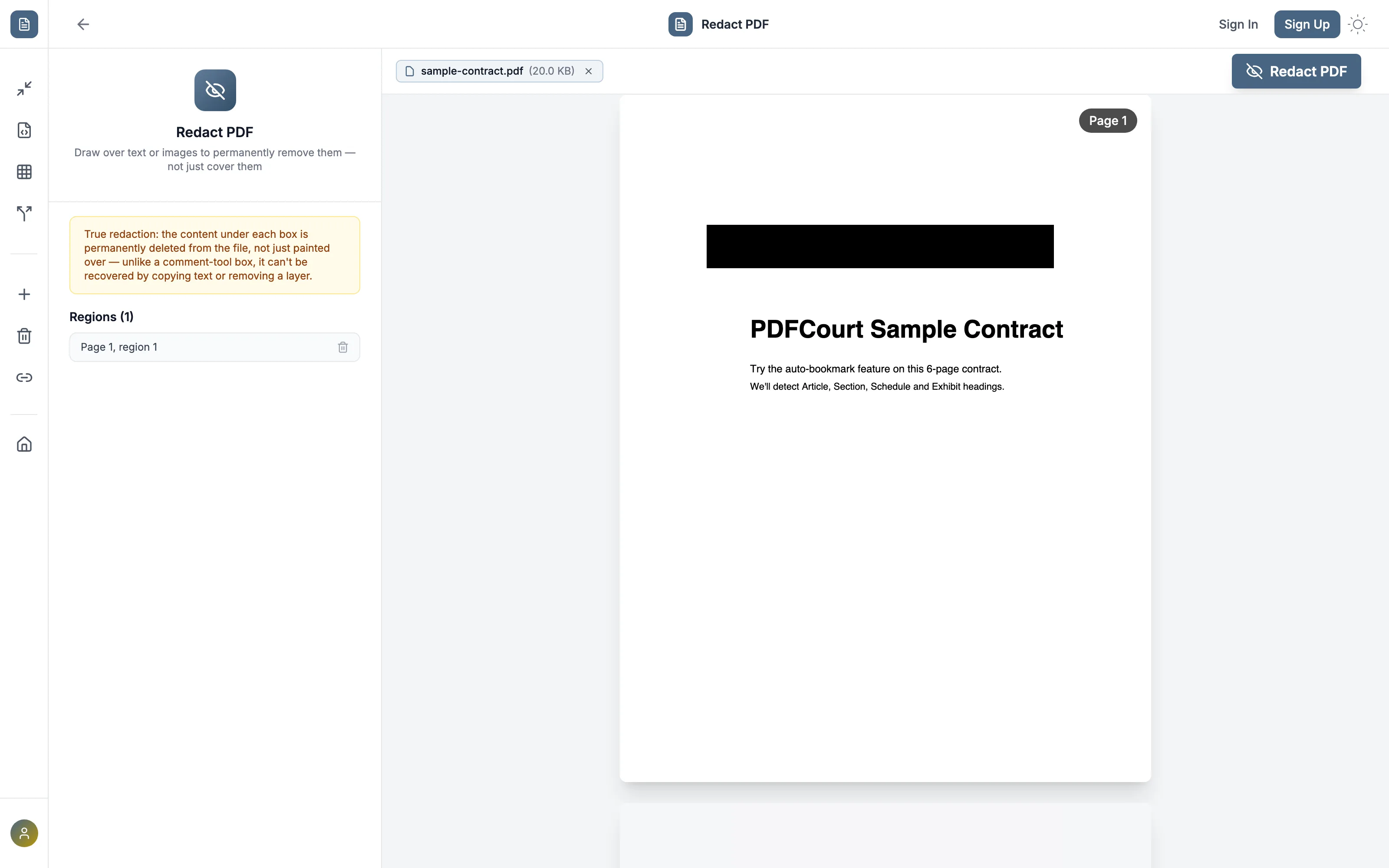
Why a black box in Word/Preview isn't real redaction
Drawing a black rectangle with a highlight or comment tool just adds a shape on top of the page — the original text is still there underneath, in the file's actual content stream. Anyone who copies the "hidden" text and pastes it elsewhere, or removes the annotation layer, gets the original content back. This has caused real, public redaction failures in leaked government and legal documents for years.
True redaction has to delete the underlying text or image data, not paint over it.
Method 1: PDFCourt (100% Free Online)
RECOMMENDED✓ Best for: legal filings, personal records, anything where "hidden" isn't good enough
Why it's #1: the content under each drawn box is permanently deleted from the file — it can't be recovered by copying text or removing a layer.
Step-by-Step Instructions:
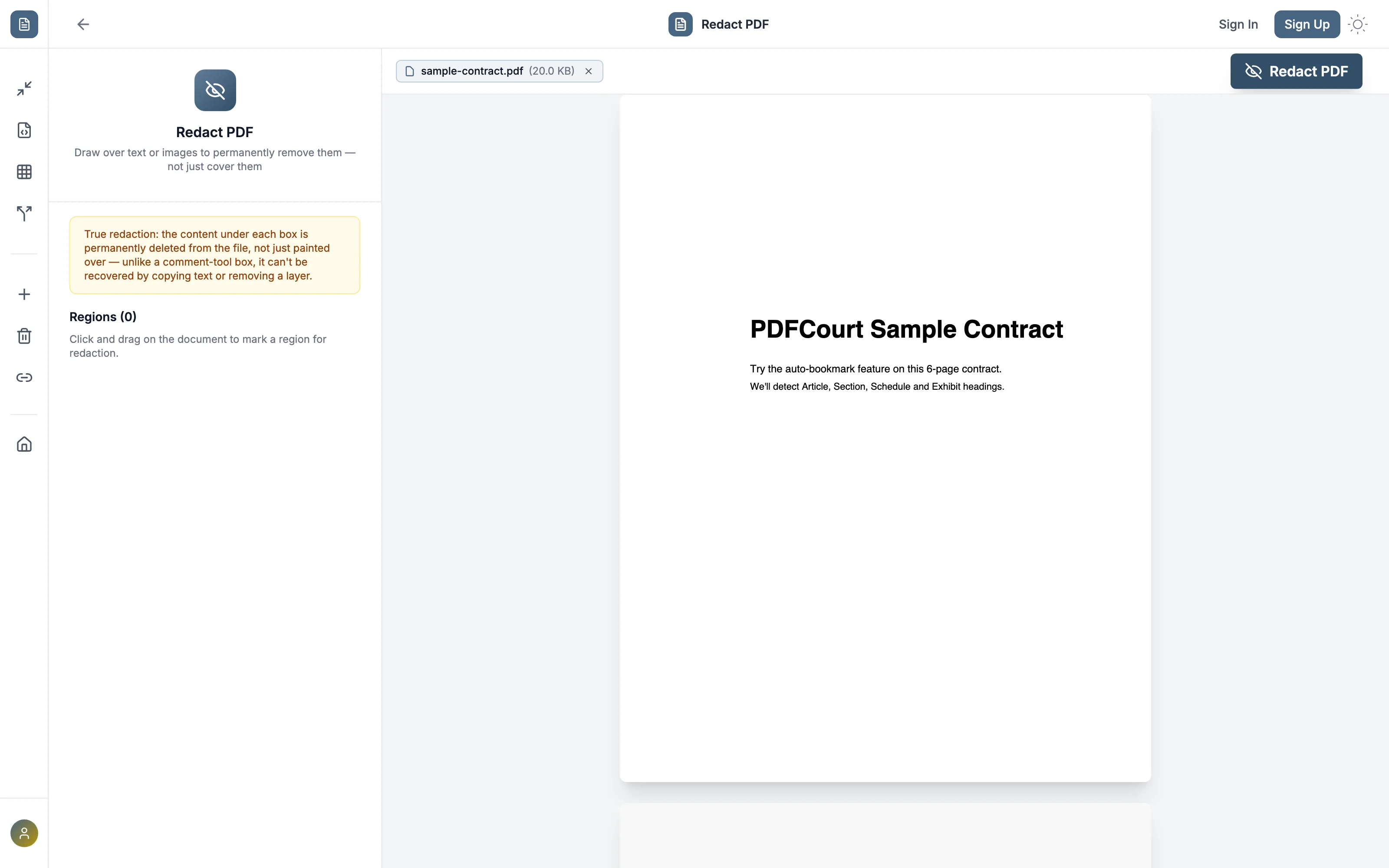
Draw a box over each area to remove
Click and drag over any text or image. It fills in solid black immediately, and is added to the "Regions" list on the left, labeled by page.
Double-check the region list
Made a mistake? Remove any region from the list before committing — nothing is deleted from the file until you click Redact PDF.
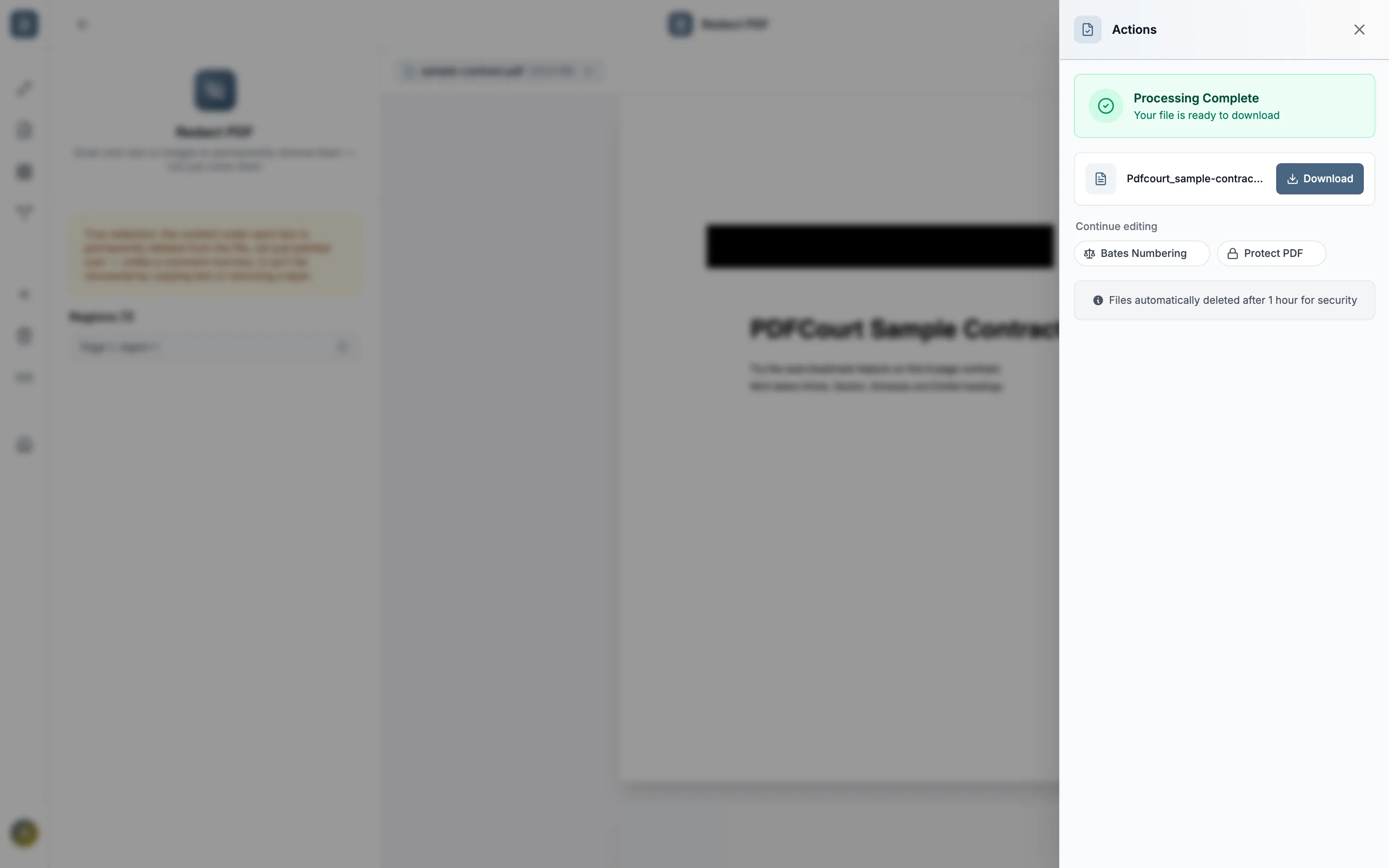
Click Redact PDF and download
The content under every box is permanently deleted, and you get the redacted file to download.
Method 2: Adobe Acrobat DC (Paid Software)
Cost: $19.99/month or ~$240/year
Best for: organizations already paying for Acrobat's Mark for Redaction + Apply Redactions workflow.
Steps:
- Open Adobe Acrobat DC (not the free Reader)
- Go to Tools → Redact
- Mark for Redaction over each area, then click Apply
- Save the redacted copy
Note: the free Acrobat Reader cannot redact — the two-step mark-then-apply process is real permanent redaction, functionally similar to PDFCourt's draw-then-commit flow, just behind a paid subscription.
Comparison: Which Method Should You Use?
| Method | Cost | Permanent Deletion | Editable Region List | Works On |
|---|---|---|---|---|
| PDFCourt | Free | Yes | Yes | All devices |
| Adobe Acrobat | $20/mo | Yes | Yes | Win/Mac |
| Word / Preview "black box" | Free | No — cosmetic only | N/A | Win/Mac |
🏆 Winner: PDFCourt
The only free option that actually deletes the underlying content — not just covers it.
Frequently Asked Questions
Is this different from drawing a black box in Preview or Word?
Yes — this is true redaction. The content under each box is permanently deleted from the file, not just painted over, so it can't be recovered by copying text or removing a layer.
Can I redact images, not just text?
Yes — draw a box over any area of the page, text or image, and everything under it is removed.
Can I undo a redaction before downloading?
Yes — remove any region from the list before clicking Redact PDF. Nothing is deleted from the file until that final step.
Do I need Adobe to redact a PDF?
No — PDFCourt redacts directly in your browser, free, with no Adobe Acrobat or other software required.
Conclusion: Best Way to Redact a PDF Free in 2026
True Deletion
Not a cosmetic black box.
100% Free Forever
No hidden costs, no trials, no upsells.
Review Before Committing
Edit the region list before anything is deleted.
Ready to Redact Your PDF?
Try PDFCourt's redaction tool — free, no signup.
Redact a PDF Now — It's Free →